


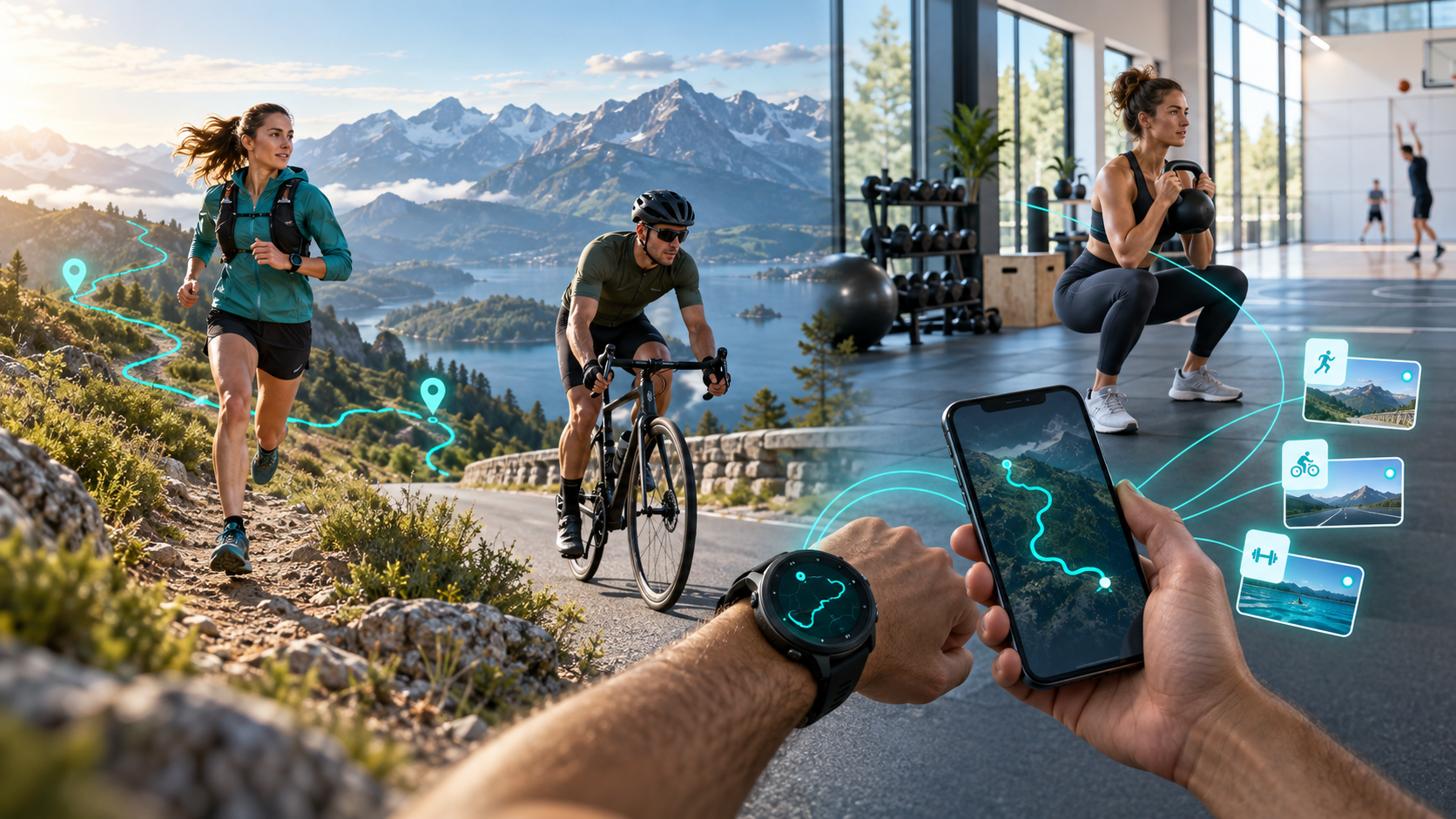
You can record sport without a watch, without GPS and even when the session already lives in another app. YouVisible provides several routes for bringing a run, ride, match, class or workout into one sports history.
The right choice is not the most technical one; it is the method that fits today's activity. A run benefits from a route. A football match may only need time and context. If a compatible device is already part of your routine, you can bring its activity across.
Four ways to add an activity
- Direct recording with GPS from the phone.
- Direct recording without GPS for a timed activity without a map.
- A compatible source, authorized by the user.
- FIT, GPX or TCX import for an existing activity.
Whichever route you choose, the result can be completed with a cover, photos, videos, moments, notes and feelings.
Direct recording and session controls
Choose the sport, decide whether the route matters and start from the app. During recording, pause for an interruption, resume when the activity continues and finish when the session is over. Once saved, review the activity and add context.
Pausing can exclude a long traffic stop or a break outside the workout. It is a practical control, not a requirement. You can also save a straightforward non-GPS session without carrying any wearable.
When GPS helps
GPS is useful when place and movement explain the activity: outdoor running, road or mountain cycling, hiking, trail running and other outdoor routes. A track lets you return to the itinerary and connect moments to it.
It is not the whole story. Terrain, company, purpose and feelings often explain why two similar tracks were different.
Sport that does not need a route
Football, gym training, padel, pool swimming, martial arts, dance, gymnastics, technical practice and mobility can all be recorded without GPS. Indoor training, battery constraints or a preference for simplicity are equally valid reasons.
A missing map does not make an activity incomplete. Duration, notes, media and post-session context may be much more relevant.
Registration options compared
| Method | GPS needed? | Watch needed? | Examples | Best used when |
|---|---|---|---|---|
| Direct with GPS | Yes, on phone | No | Running, cycling, hiking | The route is central |
| Direct without GPS | No | No | Football, gym, padel | You need time and context, not a map |
| Compatible source | Depends | Only if the source does | Device-recorded workout | You already use a supported service |
| Health Connect | Depends | Not necessarily | Android activity data | An authorized source writes compatible data |
| Apple Health | Depends | Not necessarily | iPhone activity data | An authorized source shares compatible data |
| FIT | May include GPS | No for import | Detailed exported activity | You have a structured sports file |
| GPX | Usually route-based | No for import | Run, ride or hike | You want to preserve a track |
| TCX | May include route and workout data | No for import | Exported training session | Your source exports TCX |
Health Connect and Apple Health
Health Connect is an authorized exchange layer between compatible Android apps. Apple Health has a comparable role on iPhone. If an originating app writes supported information and you grant the relevant permissions, YouVisible can receive the available activity data.
Support varies by source, data type, platform version and authorization. Neither platform means every brand has a direct YouVisible connection.
Direct connections and precise compatibility
Polar Flow and Huawei Health are the direct connections currently confirmed on the landing page. Other supported sources may feed Health Connect or Apple Health. Garmin must not be described as a direct connection: a Garmin-originated activity may arrive through a compatible health platform or through FIT, GPX or TCX export, where supported.
Importing FIT, GPX and TCX
FIT often contains structured sports samples and metrics. GPX is widely used for routes and geographic points. TCX may combine a course with workout information. The final result depends on what the source exported; an import cannot recreate data that was never included.
After importing, check the fields and add the personal layer that an exchange file does not carry.
Which method should you choose?
Record with GPS if you have only your phone and the route matters. Record without GPS in a court, field, pool or gym. Connect a source when it already fits your routine. Import when recovering an older activity or moving it from another service.
You can mix methods. Synchronize a run, record a match manually and import an old cycling route under the same profile.
Add context after finishing
Complete the activity with a recognizable cover, photos, videos, important moments, a short note and how the session felt. This turns a data row into part of a complete sports platform and history. You can also connect sessions with the wellbeing calendar.
Practical examples
Running and cycling
Start GPS, use pause and resume when necessary, then add a finish photo and feelings. A ride may instead arrive from a compatible source or file.
Football and gym
Record both without a route. A match can hold clips and result context; a gym session can hold duration, notes and a technical video.
Martial arts and padel
Save the class, bout or match without a watch. Add what was practised, a private clip, participants or a key moment.
Imported activity
Export a supported file, import it, verify the available data and enrich it with your own memories.
Frequently asked questions
Can I record sport without a watch?
Yes. Record directly from the app with or without GPS.
Does every activity need a route?
No. Matches, classes, gym, swimming and many workouts make sense without one.
Are Health Connect and Apple Health direct brand integrations?
No. They are exchange platforms for authorized compatible data. Polar Flow and Huawei Health are the currently confirmed direct connections.
Which import format should I use?
Use the format your source exports with the information you need. GPX is route-oriented; FIT and TCX may carry more workout structure.
Must imported or recorded activities be shared?
No. Keep them private and choose what to share.
Start with the method that fits
Try one activity rather than changing your entire routine. Visit the athlete page, learn about sports storage for every discipline, or start from YouVisible. Download the app on Google Play or the App Store.